
25 ready-to-copy recipes that turn the tools you're already paying for into a team that works while you don't.
The first time I strung two of my tools together and let Claude do the connecting, I got back a week's content plan before my coffee went cold. I didn't build anything new. I just pointed Claude at what was already sitting in my Drive and my Kit account.
That's what a connector does. Your AI opens the tools you already pay for, pulls what it needs, and hands you back finished work. No copying, no pasting. I build in Claude, and every recipe here also runs in ChatGPT with its plugins, which is ChatGPT's name for connectors. Pick a recipe below and put it to work today.
Two minutes of setup, once per tool. That's it.
In Claude: Settings, then Connectors. In ChatGPT, the same menu is called Plugins.
Click Connect, sign in. You never do this again.
Paste any prompt below. Approve the first-run permission.
Every recipe makes the same three moves:
Your AI opens your tool and gets the data itself.
You get finished work back: a draft, a plan, a list.
Put it on a schedule. It runs without you.
Brand new? Start with a ⭐ recipe: The Inbox Triage, The Batch Day Finder, or The Subject Line Split Test. One tool each, finished result on the first try.
Most tools in this playbook are built in: Gmail, Google Calendar, Canva, Shopify, Notion, and more. Find them in the connector list (the plugin list in ChatGPT), click Connect, sign in, done.
A few tools, like Kit, connect through an MCP server address instead. Choose the custom connector option, paste the address from the tool's documentation, and sign in the same way. Two extra clicks, same result.
Check the connector shows as connected in Settings, and sign in again if it dropped. Name the tool the way the connector is named. The first run asks permission, approve it once. If a tool isn't in the list, it doesn't have a connector yet. Start with one that does.
You choose which tools to connect, and the first run of any recipe asks your permission again.
A connector reaches the one account you signed into. Nothing else.
Every pull and every draft happens in the chat, in front of you. Nothing sends without you.
One click in Settings removes a tool's access completely.
Install it once and Claude or ChatGPT knows all 25 recipes by name. It checks your connectors, personalizes the prompt, runs the recipe, and offers to put it on a schedule, so you never have to remember how any of this works.
From your welcome email, or the button below.
In Claude: Settings, Capabilities, Skills, upload. In ChatGPT, Skills are a toggle inside the Plugins menu. Ten seconds, one time.
Name a recipe or describe a problem. It does the rest.
Things you can say once it's installed:
Using ChatGPT? Every prompt in this playbook runs there too with its plugins, and the Runner file installs in ChatGPT as well as Claude.
Simulated replays, shown in Claude. Your version pulls from your live accounts, in Claude or ChatGPT.
Press play to watch The Inbox Triage run.
Check off a recipe as you try it. Progress saves in this browser.
Two quick questions and I'll point you to where to start.
What's eating the most time right now?
Your Drive ideas doc becomes this week's newsletter, saved as a Kit draft.
One old blog post becomes three fresh email angles. Nothing you wrote goes to waste.
Your last 24 hours of email, sorted and answered in your voice.
Your last five sends, what worked, and three new subject lines to test.
Your rough ideas list becomes a four-week calendar with dates already blocked.
The ideas piling up in Notion get ranked, and the best one becomes an email.
Finds and protects your best three-hour batching block this week.
Today's meeting becomes a recap email before you forget what was said.
Tomorrow's meetings plus the related email threads, in one prep doc.
Your last call becomes a follow-up email with next steps written in.
A 15-minute prep block lands before every Calendly call this week.
The training is actionable and has supported my business in a real way.
Stephanie Dion · Empowered Business Society® member
Your Airtable testimonials become a branded Canva graphic, ready to post.
Thirty days of orders: what's selling, what's stalling, what to do about it.
New sponsor outreach, drafted in the tone that already landed deals.
Failed payments and refund patterns flagged before they cost you more.
Finds who owes you money and drafts the friendly follow-up.
Now I have a concrete direction and a plan to get there. As far as I'm concerned it's the best educational money I have spent to date.
Robin Simmons · Empowered Business Society® member
Your rough outline becomes a polished, branded one-pager in Canva.
Your last call summarized, action items pulled out, owners named.
The nicest thing a customer emailed you becomes a branded quote graphic.
Your latest episode's three strongest moments, cut into postable clips.
Everything in the online business space is changing every day, and Monica is on the front lines, leading the way.
Lane Rebelo · Empowered Business Society® member
The week's wins from Slack and email, in one shareable recap.
Flags stuck students and drafts a personal check-in note for each.
A week of student questions becomes one themed to-fix list.
The people in this community have become my online friends. They really get online business, the good stuff and the struggles.
Anna Joy Lowell · Empowered Business Society® member
Everything overdue and due this week, in one prioritized list.
Project activity becomes a plain-English update, ready to send.
Pick any two tools. I'll write the starter recipe.
Every recipe works as a one-off prompt. The shift is when it runs without you: a scheduled task runs it at a set time and has the work waiting, and a Skill locks in your instructions so it runs the same way every time. In ChatGPT, the same two moves are scheduled tasks and custom GPTs. That's step 3 on every card.

I'm the founder of Empowered Business™, and I came to this work the long way. I started in corporate marketing with an MBA in finance and years in brand management, built my business on the side until I went all in back in 2016, and have spent the decade since teaching more than 60,000 students, growing a newsletter past 20,000 readers, and generating over $8M in revenue from my own digital products.
I was early to AI, back when most of the creator space was still deciding whether it counted, and connectors are the part of it I lean on hardest. My whole focus now is helping digital product creators run their businesses without a team, and these 25 recipes came out of that work. Each one was designed from my own experience wiring these tools together, then shaped for the way digital product creators work every day.
I live in Buffalo, New York with my two daughters, and on fall Sundays you will find me watching the Bills. Every other day of the week, this is what I do: figure out what a one-person business can hand off to AI, prove it works, and then hand it to you.
This page gets you your first win. The membership is where creators build the whole system, together, every month.
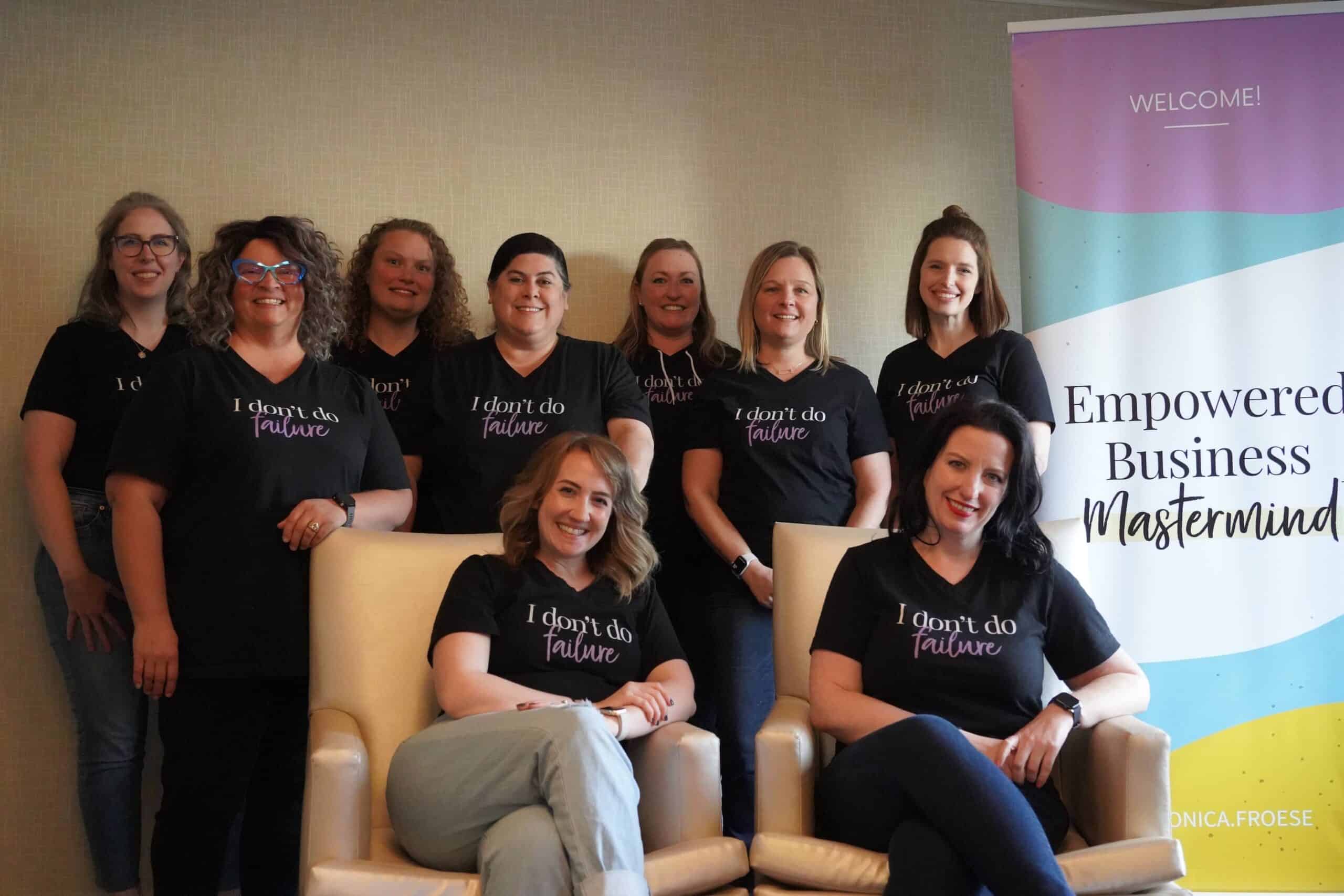
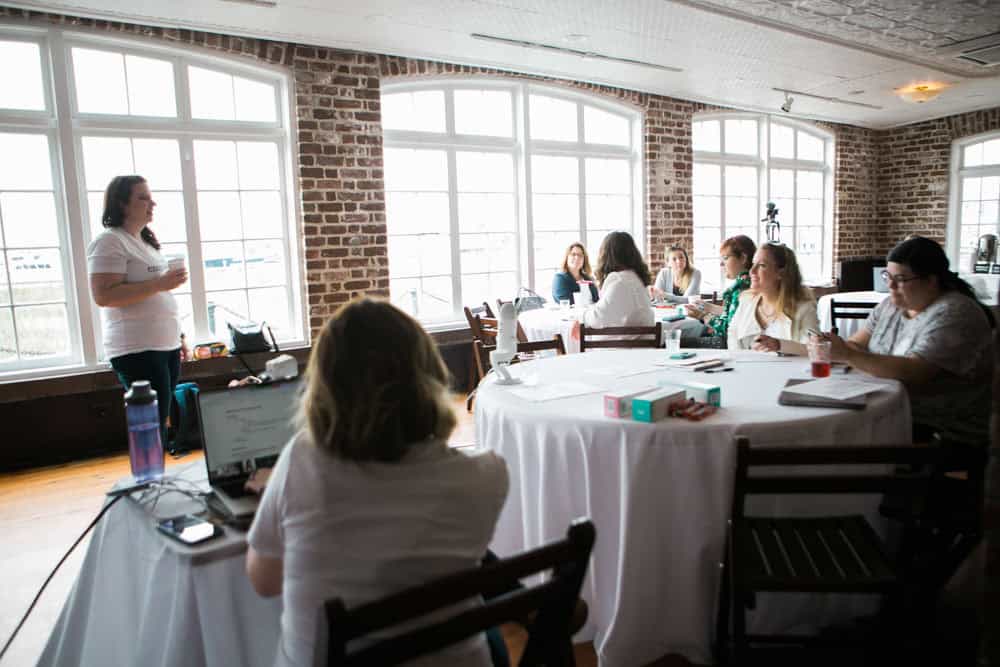

I show you the build and hand you the plan.
Bring what you're building and we work through it together.
Members demo what they shipped, live.
One workflow, one week, built together live.
Monthly open conversations with me.
Demo what you built, get feedback live.
My private podcast: the strategy behind the moves.
Every workshop I've built, on demand.
Creators building the same systems you are.
"I felt the pressure of things online changing quickly. I was over here trying to keep up on my own... It started to feel like I was always a step behind."
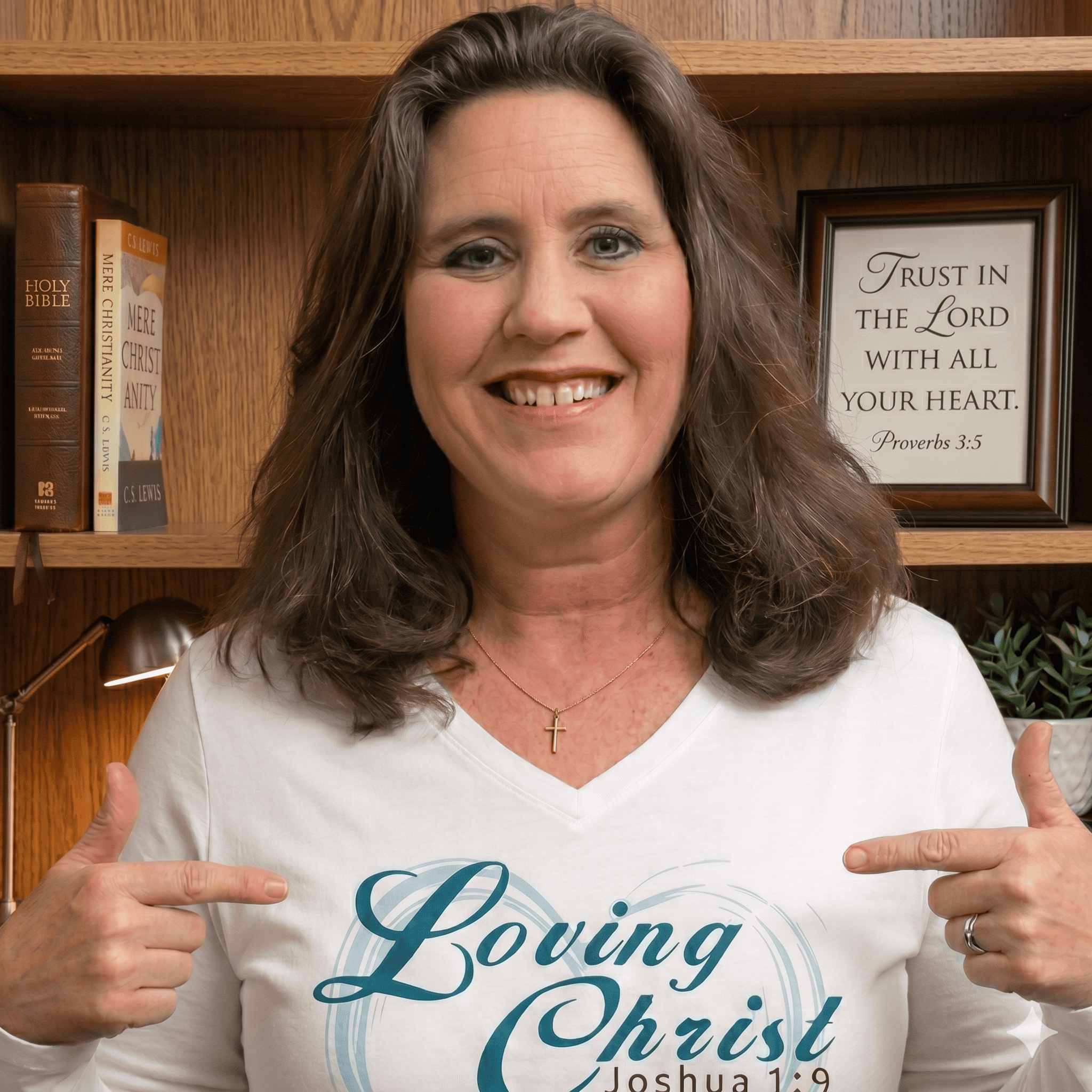 Julie Pfeifer · Empowered Business Society® member
"Instead of trying to piece everything together myself, I have a place that helps me stay current... Honestly, that peace of mind is huge."
Julie Pfeifer · Empowered Business Society® member
Annual
$497/year
Everything in monthly, with two months free.
Join the Empowered Business Society®Pick your plan, come build during the next Get It Done Week, and see what a month of implementation does. I think you'll stay.
Get It Done Weeks run every month inside the Empowered Business Society®. Come build the rest with me.
Join the Empowered Business Society®