The three connectors, in order
Gmail, Google Calendar, and Airtable, connected in the sequence that matters. Tracking has to exist before anything gets automated, and that is the step most people skip on their way to the fun part.
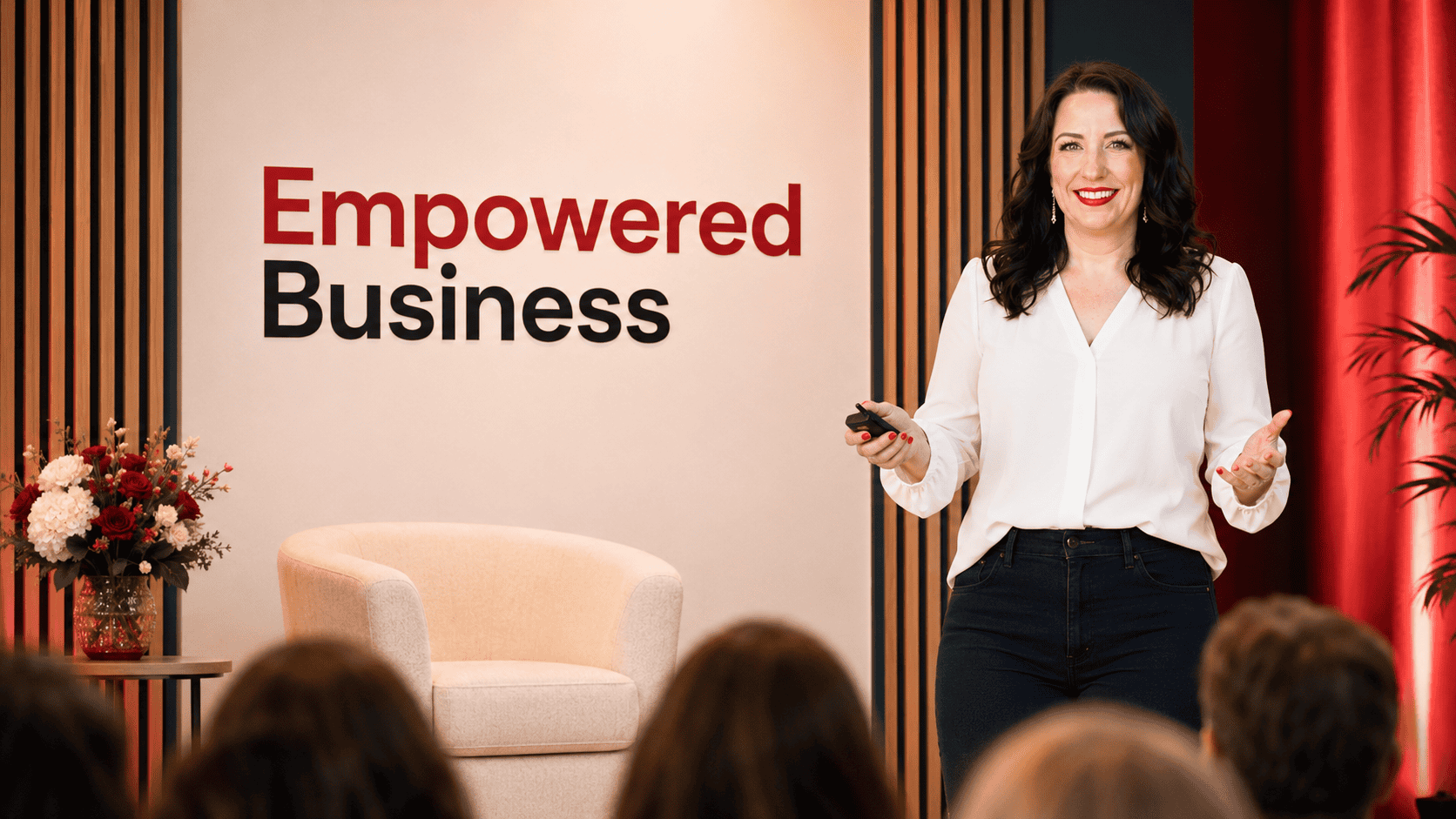

The exact set of AI connectors I use to run every collaboration I say yes to, from co-hosted flash sales to summit speaking spots like this one. You get the tools to connect, the order to build them in, and the prompts that make it run.
Free for summit attendees. I will email you the playbook and the free Skill, and nothing you did not ask for.
The playbook names the specific tools, the order to connect them in, and the prompts to paste. Every piece of it is something I run in my own business.
Gmail, Google Calendar, and Airtable, connected in the sequence that matters. Tracking has to exist before anything gets automated, and that is the step most people skip on their way to the fun part.
A four-step build order: partner tracking, first-touch outreach, follow-ups, then launch-week assets. Trying to build all four at once is the reason most people abandon this halfway through.
An AI Skill that reads an incoming collab request, tells you whether it is a yes, drafts the reply in your voice, and logs it to your tracker. It ships with the playbook at no extra cost.

You pitch the partnership, you get the yes, and then you spend the next three weeks manually tracking who owes what promo, chasing down affiliate links, and copying the same details between five different tools. The pitch was never the hard part. The logistics are what turn a partnership into a part-time job you never signed up for.
Every recipe names the trigger, the connectors involved, and what comes out the other end. This is the first one.
Someone agrees to the collaboration, and the details are sitting in an email thread you will forget about by Thursday.
The same three tools the playbook walks you through connecting first, working together instead of sitting in separate tabs.
Logged terms, a drafted welcome email waiting in your drafts, and the promo dates already on your calendar.
Two more recipes, the full four-step build order, and the exact prompts are inside the playbook.
I kept saying yes to collaborations and then losing a week to the logistics.
I am Monica Froese, and I run Empowered Business™. I have taught more than 60,000 students and generated over $8M in revenue from my own digital products, and for most of that time I ran partnerships the way everyone does: a pile of email threads, a spreadsheet I forgot to update, and a sinking feeling every time a partner asked me what we had agreed to.
What changed was not a new tool. It was connecting the tools I already used so they could write to each other, then handing the repetitive parts to AI. This playbook is that setup, written down in the order I wish someone had given me. It is the same system running behind every collaboration I say yes to, including this summit.
Monica
No. Connecting Gmail, Google Calendar, and Airtable to an AI tool is a permissions screen, not a build. If you can log into those accounts, you can do this. The playbook shows you the order and the settings, and the prompts are written to paste as-is.
I run it in Claude, which is where the connectors and scheduled tasks live. The prompts and the build order work anywhere you can connect those accounts. The free Skill that comes with the playbook installs directly in Claude and ChatGPT.
Airtable is what I use and what the playbook demonstrates, because it is free at the level you need and it connects cleanly. If you already track partners somewhere else, the build order still applies. You are connecting a tracker, and the tracker can be the one you have.
Yes. It ships with the playbook and there is nothing to buy to use it. It handles the incoming side of collaborations: it reads the request, decides whether it is a yes, drafts your reply, and logs it. Its outbound counterpart, the Affiliate & Partnership Outreach Skill, is the summit All-Access Pass bonus.
The playbook and the Skill arrive by email within a few minutes, along with install steps. Over the following week I send two more emails with prompts from the playbook and where to go next. You can unsubscribe from any of them.
If you are not running collaborations yet, this will not be useful to you. The playbook assumes partnerships are already landing in your inbox and the problem is what happens after the yes. Come back to it when that is true.
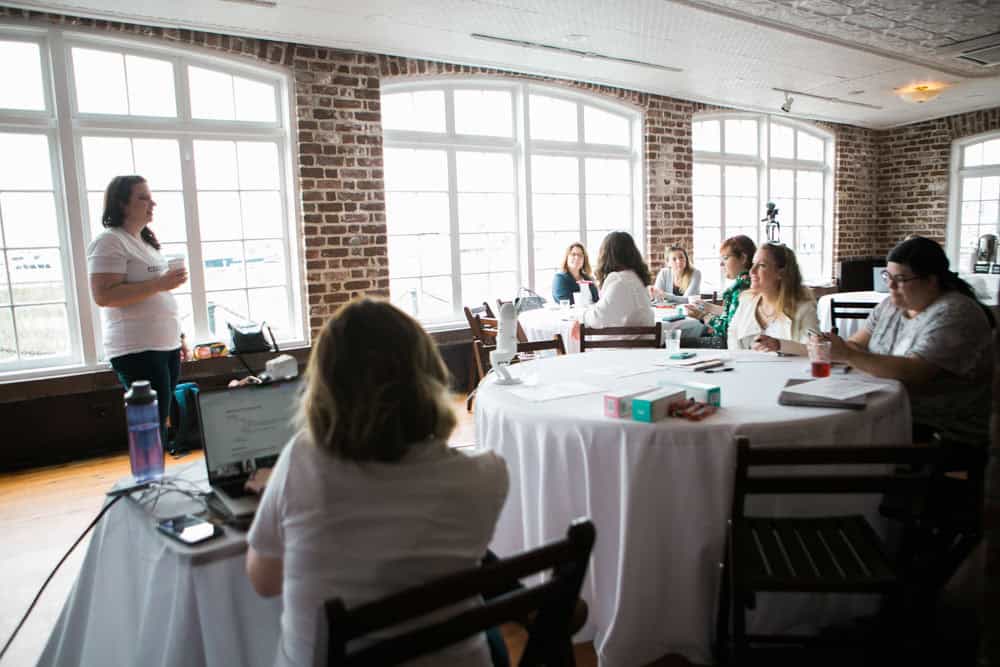
Free for Collab & Connect Summit attendees. Enter your email and it lands in your inbox with the free Skill.
No spam. Unsubscribe anytime.