
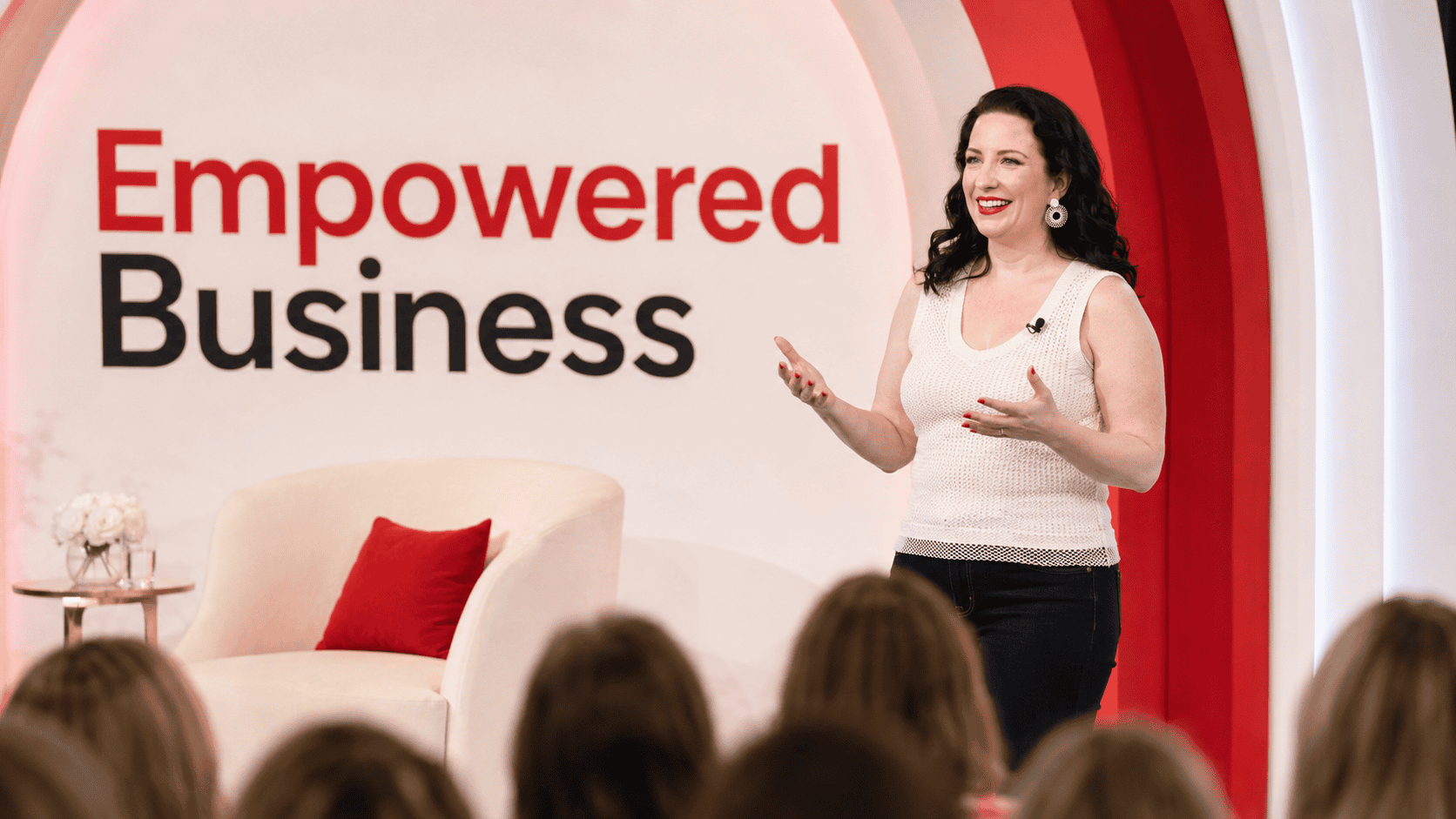
Your story angles are handled. Now fix the part that sells.
The skill heading to your inbox finds the story every morning. Creator OS runs the rest of the writing and selling: the sales pages, the launch emails, and the offers those angles point to.
Code CREATOROS49 applies automatically. One-time payment, and this price is attached to this visit.
First things first
Here is what happens with your new skill
Check your inbox
The email arrives within a minute or two. If it is not there, check promotions and spam, then drag it to your primary inbox so nothing else goes missing.
Install the skill
The skill is a single zip file. Upload it into your AI account exactly as it downloads and it is live immediately. The setup guide walks you through it.
Say "set up my news angles"
It asks five questions about your audience, products, newsletters, and voice, one at a time. After that, "run my news angles" gives you fresh angles every morning.
The other half
Ideas were never the part that lost me money
The first time I asked an AI to write a sales email for my list, I sat at my desk reading the output and physically winced. The grammar was clean. The structure was fine. But the words on the screen had nothing to do with how I talk to my audience. Phrases I would never use. Examples that did not exist in my business. A tone that sounded like a stranger doing an impression of me.
So I did what everyone does. I rewrote it. Then I rewrote the next one, and the one after that, until I realized I was spending more time fixing AI copy than I would have spent writing it myself. I had plenty of ideas and the selling was still entirely on my shoulders.
You did not learn your brand voice in one sitting. So why would you expect your AI to figure it out from a single prompt?
Creator OS is what I built to close that gap. Six skills that teach your assistant your audience, your voice, your offers, your design system, and the way you talk to your people. Not a prompt you paste in and lose when the chat ends. Permanent infrastructure that loads every time you open a new conversation.
Inside Creator OS
Six skills that stack
Each one does a specific job. Together they cover the writing, design, planning, and selling side of a digital product business. Tap any one to see what it does.
The stacking effect
This is the part that makes it worth installing
The skills are not six separate tools you switch between. They load together. Type one sentence and every skill that fits the job pulls itself in behind the scenes.
"Build me a sales page for my new workshop."
- 1Brand Skill loads your audience and your credibility anchors
- 2Business Writing Voice applies your sentence patterns
- 3Funnel Page Builder brings the launch strategy and page structure
- 4Your design system applies the colors, type, and layout
One page. Sounds like you. Looks like your brand. Built in an afternoon.
Sometimes things exceed your expectations, because you aren't expecting a lot. I've taken enough of Monica's training that I show up expecting her to deliver, and somehow, she STILL manages to exceed expectations.Rebecca Brockman, Montgomery, Texas
Is this for you
Let me be honest about who gets the most out of this
- You already sell digital products, courses, memberships, or workshops.
- You have a voice and a brand identity you do not want diluted by AI output.
- You are tired of starting every sales page, doc, and email from a blank screen.
- You just grabbed the Daily AI News Angles Skill and want the rest of your selling handled too.
- You can spend about ninety minutes once to save hours every week after that.
- You do not have an audience yet. These skills amplify a voice, they do not create one.
- You run an agency or a service business. The frameworks assume digital products.
- You want a prompt library to skim. This is infrastructure you install and use daily.
- You are not willing to answer setup questions honestly. Four of the six personalize to you.
Your one-time price
Six skills for $49
Individually, skills like these run $49 each in my shop. Here is what you are getting, and what it would cost you any other way.
Creator OS: Skills That Sell
Your $49 price expires in 20:00
- All six AI Skills, yours to keep
- The full Creator OS Onboarding Guide
- Personalized setup interviews built into each skill
- Works natively in Claude or ChatGPT
- Conversational updates as your brand evolves
One-time payment, no subscription, lifetime access. You get instant access to all six skill files and the onboarding guide, and most people have the whole system installed in about ninety minutes.

About Monica
I built this for myself first.
I have spent the last decade building and selling digital products. More than 60,000 students, over $8M in revenue, and a newsletter that goes out to more than 20,000 readers. I have an MBA in finance and I spent years in corporate brand management before I went full time in my own business.
I am also a single mom of two daughters, which means I do not have time to babysit AI output. I need it to do real work, in my voice, for my actual business. Creator OS is what I use every single day to run Empowered Business™, and every skill in it earned its place by surviving my own workload first.
Monica
Common questions
Before you decide
Do I need the Daily AI News Angles Skill installed first?
No. They are separate systems that happen to work well together. The News Angles Skill finds your timely story, Creator OS handles the writing and selling around it. Install them in whatever order suits you.
How do I get the $49 price?
Click any button on this page. The coupon code CREATOROS49 is applied automatically at checkout, so you do not need to enter it. The discount is available on the pay-in-full option.
What happens when the timer runs out?
The $49 price belongs to this visit. Creator OS sells for $99 in the shop, and that is what you would pay coming back to it later through any other link.
Do I need a paid AI plan?
Skills work on free and paid Claude accounts. In ChatGPT, Skills are supported on any paid plan. Because you own the files, you are not locked into either platform.
How long does the install take?
About ninety minutes if you have your brand assets ready, which includes the setup interviews for the four skills that personalize to you. The other two install instantly. I recommend one focused session rather than spreading it across a week.
What if my brand assets are not finished yet?
The onboarding guide tells you exactly what to gather before you start. Logo, colors, fonts, footer text, a few credibility facts, and some writing samples. None of it needs to be perfect, and every skill supports conversational updates later as things change.
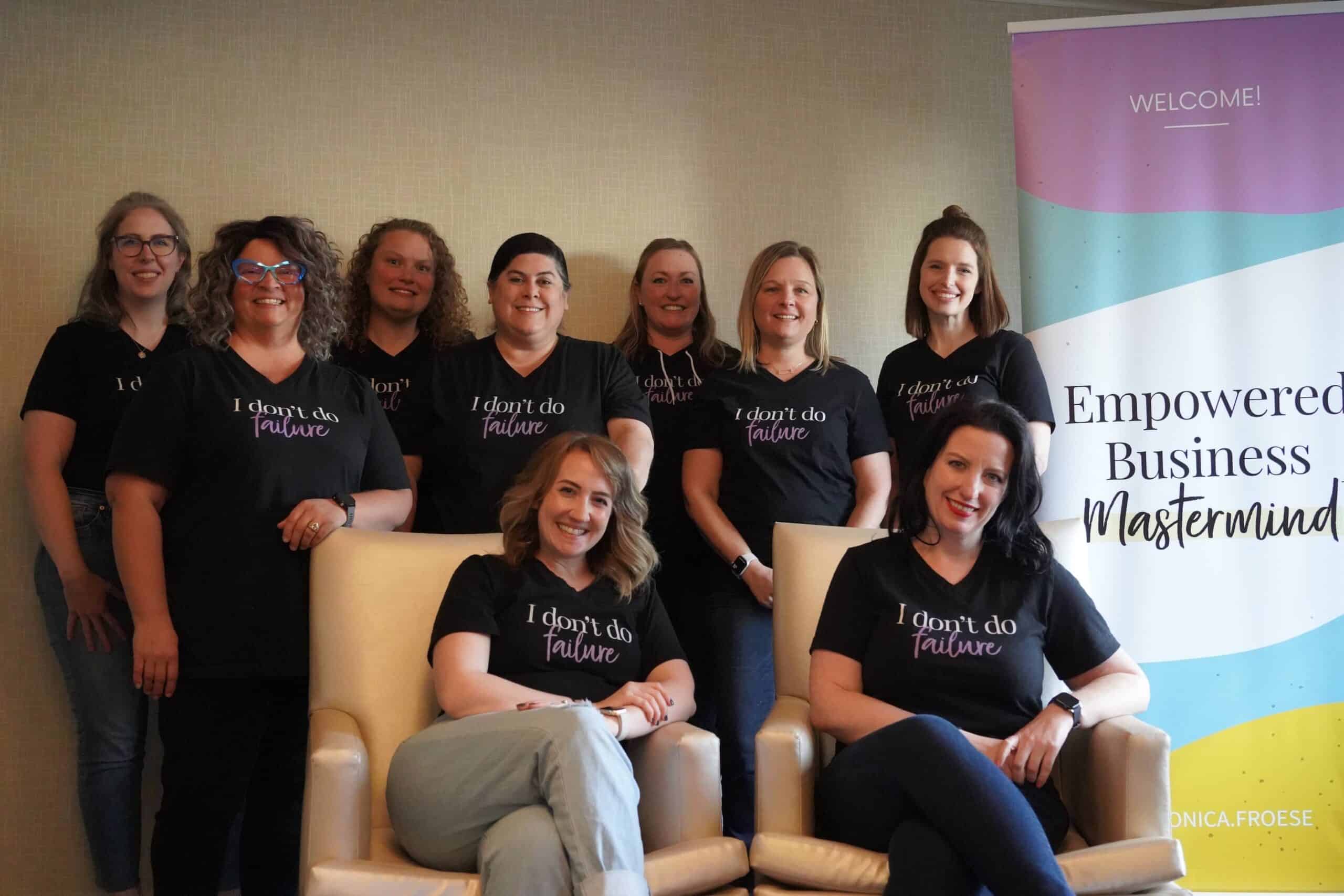
Last call on this price
Stop rewriting what your AI hands you
Your daily story angles are already handled. This is the half that writes and sells, installed once, in your voice, for $49 instead of $99.
Get Creator OS for $49